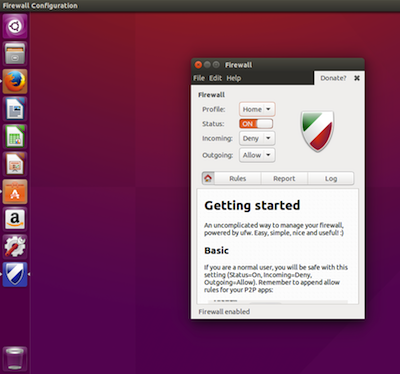
Ubuntu uses UFW (Uncomplicated Firewall) to manage firewall rules easily. It helps protect the system by controlling incoming and outgoing network traffic.
Step 1: Update the System
Open the Terminal and update packages.
sudo apt update
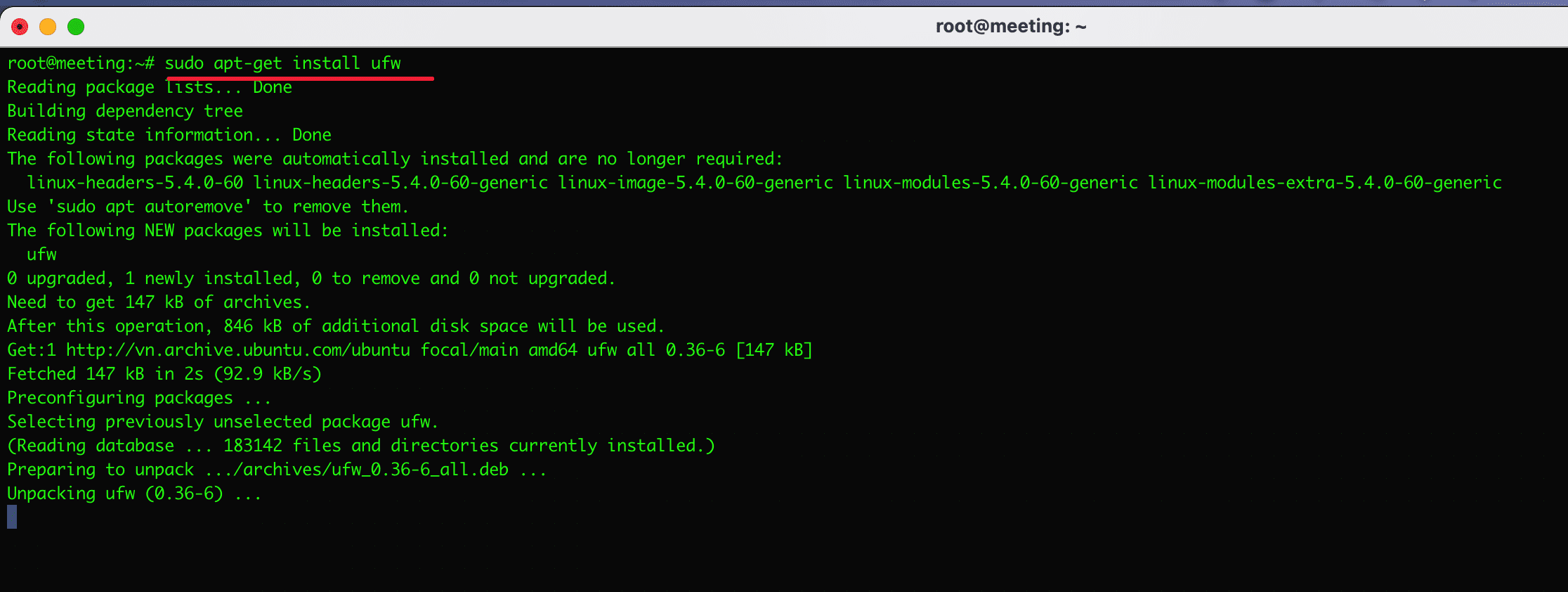
Step 2: Install UFW Firewall
Install the firewall package.
sudo apt install ufw
Step 3: Check Firewall Status
Check whether the firewall is active.
sudo ufw status
Example output:
Status: inactive
Step 4: Enable the Firewall
Enable UFW protection.
sudo ufw enable
Example output:
Firewall is active and enabled on system startup
Step 5: Allow Services (Example: SSH)
Allow specific services if required.
sudo ufw allow ssh
You can also allow HTTP for web servers.
sudo ufw allow http
Step 6: Check Firewall Rules
sudo ufw status verbose
Step 7: Disable Firewall (Optional)
If needed, you can disable it.
sudo ufw disable
Example Screenshots (Terminal)
1️⃣ Installing UFW